
App Store
iPhone and iPad
Install LINE from the App Store. An iPhone can be used as a main device, while an iPad can be used as either a main or sub device depending on how you sign in.
DownloadDOWNLOAD
Choose the LINE version that matches your device. Use LINE on supported phones and tablets, or sign in to an existing account on Windows, Mac and Chrome as a secondary device.
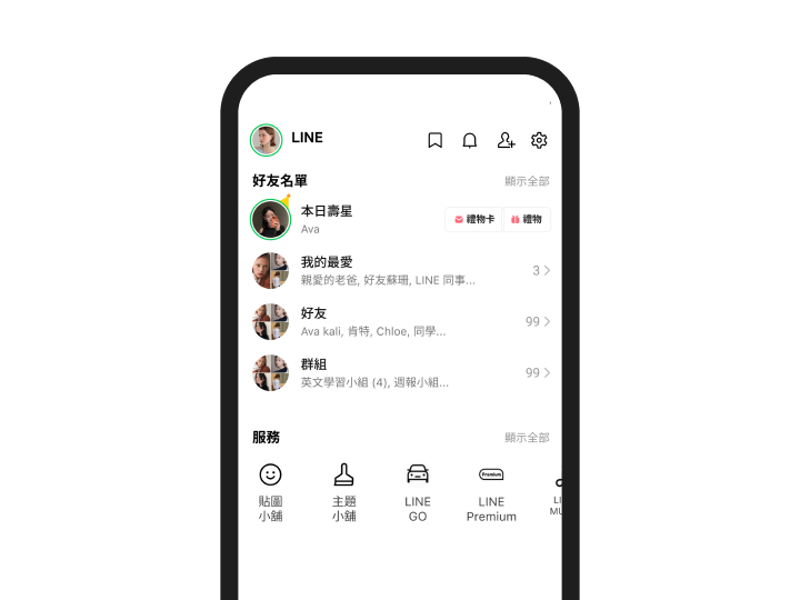
iPhone and iPad
Install LINE from the App Store. An iPhone can be used as a main device, while an iPad can be used as either a main or sub device depending on how you sign in.
Download
Android phones and tablets
Install LINE from Google Play. Supported Android phones and tablets can be used as a main device or as a sub device connected to an existing LINE account.
Download
Mac
Install LINE on a Mac to continue chats, send messages and share files from your computer. Mac is a sub device and requires a LINE account that has already been set up on a main device.
Download
Windows
Use the Windows version to sign in to an existing LINE account, reply to messages and transfer files from your computer. Windows can only be used as a sub device.
Download
Chrome browser
Use the Chrome version of LINE with an existing account. Chrome works as a sub device and is an alternative when you do not want to install the Windows or Mac desktop app.
Download
Android installer
If Google Play is not available on your Android device, use LINE's Android APK download option. Check your Android version and device security settings before installing.
DownloadSelect LINE for iPhone, Android, iPad, Windows, Mac or Chrome based on the device you want to use.
Install LINE from the matching store or download option. Windows, Mac and Chrome require an account that already exists on a main device.
Sign in according to the device type. If you are replacing your main phone, prepare your account transfer and chat backup before moving to the new device.
Windows, Mac and Chrome are sub devices. They cannot be used to create a new LINE account, transfer an account or back up chat history.
A LINE account can be used on supported combinations of main and sub devices, but every device does not have the same permissions. Friends, groups and some purchased content are tied to the account, while chat history follows separate backup and transfer rules.
iPhone can only be used as a main device. Android phones, Android tablets and iPad can be used as a main or sub device where supported. Account information, transfers, chat backups and some purchases remain main-device functions.
Windows and Mac are secondary devices for an existing LINE account. They are useful for messaging and file sharing on a larger screen, but they cannot create a new account or perform certain account-management tasks.
The Chrome version also works as a sub device linked to an existing LINE account. It is not a separate account and should not be treated as a standalone web service that can be used without signing in.
Account transfer and chat-history transfer are not the same thing. Friends, groups and some account data can move with your LINE account, but the amount of chat history you can restore depends on your backup method and whether the old and new devices use the same operating system.
Choose the version that matches your device: iPhone or iPad from the App Store, Android from Google Play or the APK option, and Windows, Mac or Chrome for supported secondary-device use.
No. Windows, Mac and Chrome are sub devices and require an existing LINE account. They cannot be used on their own to create a new account.
Yes. A supported main device can be used together with Windows, Mac, Chrome or another supported sub device. Some account management, account transfer, chat backup and purchasing features remain unavailable on sub devices.
No. Chat history follows separate backup and transfer rules. With Standard Backup, same-OS transfers can restore backed-up text messages. When moving between iPhone and Android, the standard transfer process generally supports only the most recent 14 days of eligible chat history.
Install LINE on a supported phone or tablet, or use Windows, Mac or Chrome with an existing account. If you are changing your main device, check your account transfer and chat backup before you switch.
Download