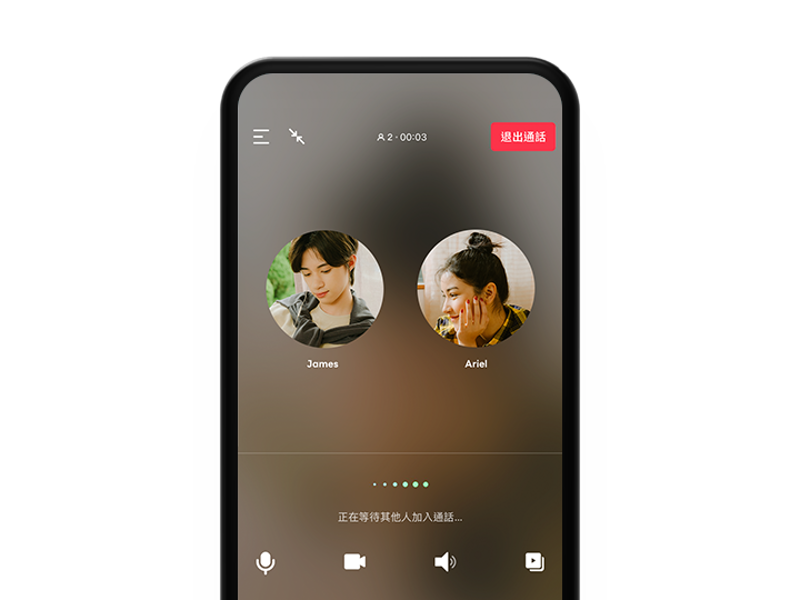
Messages, voice & video
Send text, photos, videos, files and locations, then start a voice or video call from the same conversation. LINE supports both one-to-one communication and group conversations.

Chat with friends and family, share photos, videos and files, or start a voice or video call. Stickers, group chats and support for multiple devices make everyday conversations easier, while additional LINE services vary by country and region.
DownloadLife on LINE
From a quick message to a long video call, LINE helps you stay close to the people who matter. Chats, groups, stickers and calls come together in one familiar place, with additional content and everyday services available in selected markets.

In markets where LINE TODAY is available, you can browse news, video, entertainment and other timely content from within the LINE ecosystem. Available sections, publishers and features depend on your country or region.


In supported markets, LINE Shopping connects users with partner stores, products, promotions and rewards such as LINE POINTS. Participating stores, reward programs and available features differ by region.


Where LINE TV is offered, users can access shows, entertainment and other video content. Program catalogs, supported devices and availability depend on local services and content licensing.

Send messages, photos and files, talk one to one or in groups, and use stickers to say more than words alone. LINE keeps everyday conversations together around one account and your existing friends and groups.
Send text, photos, videos, files and locations, then start a voice or video call from the same conversation. LINE supports both one-to-one communication and group conversations.
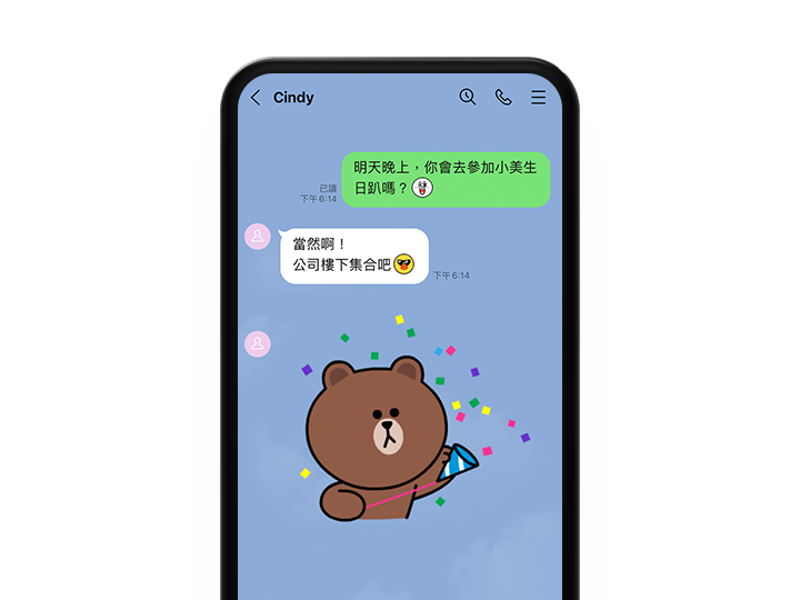
Use LINE stickers and emoji to add tone and personality to a conversation. Different characters and styles make it easier to respond without turning every thought into a long message.
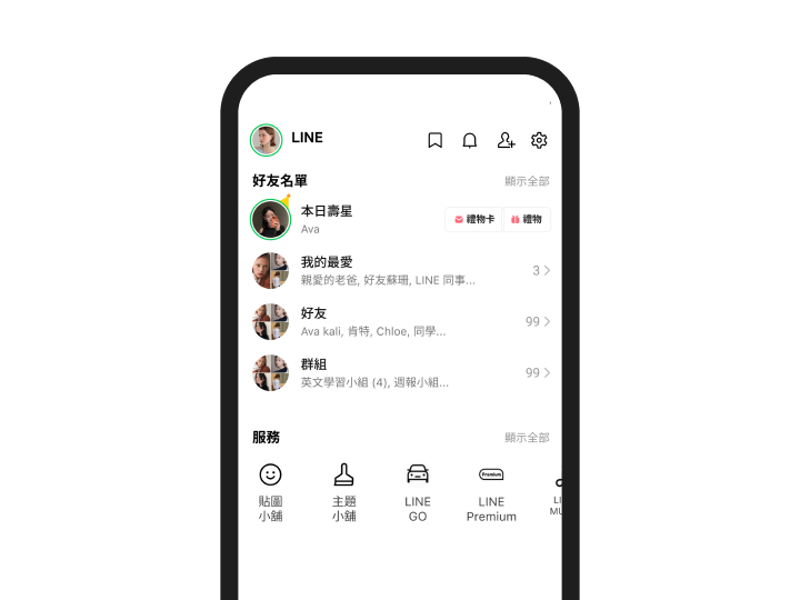
Use the Home area to reach friends, Official Accounts and other services available to your LINE account. What appears here can vary by country, region and app version.
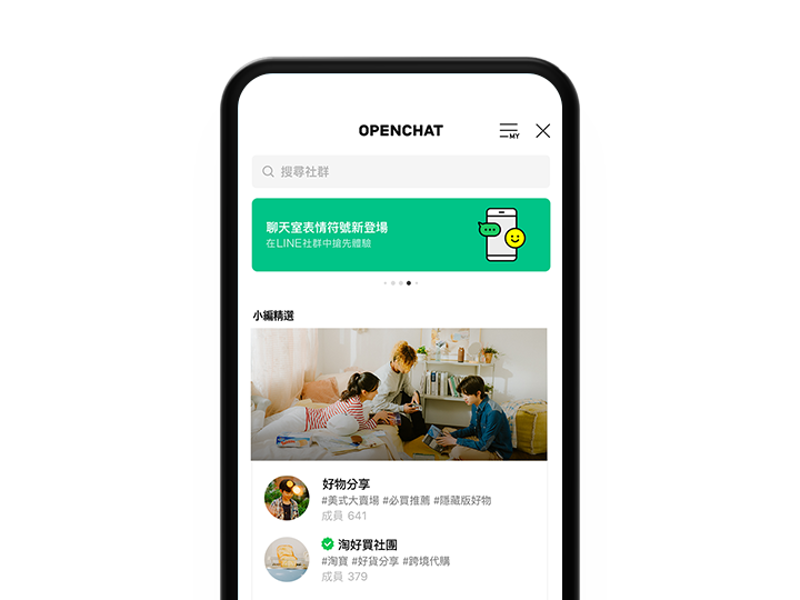
In supported regions, OpenChat lets people join conversations around interests, activities and shared topics without first adding every participant as a personal friend.
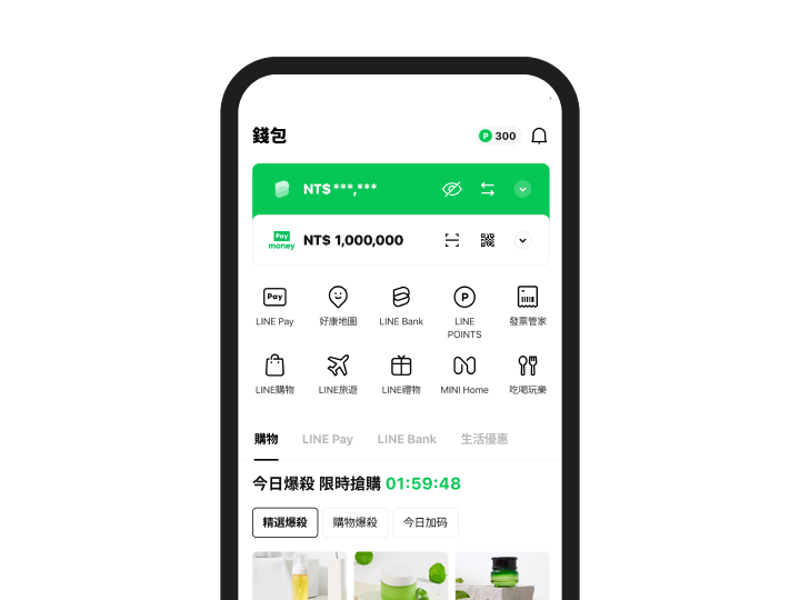
Some markets connect LINE with payments, rewards, shopping and other everyday services. Availability and features depend on the country or region where the service operates.
SERVICES
Chat with friends and groups, share photos and files, and make voice or video calls. The same LINE account can also be used on supported secondary devices.
Browse LINE stickers, emoji, themes and other digital content. Products, prices, payment methods and availability vary according to your account region.
Join conversations around shared interests and topics without adding every participant as a personal friend. OpenChat is currently available only in selected markets.
Access shows and other video entertainment where LINE TV is available. Content catalogs and supported viewing options depend on the local service.
Read digital comics and follow new episodes of the series you enjoy. Available titles, subscriptions and purchases depend on the market where the service is offered.
In supported markets, LINE Travel connects users with travel information, accommodation, transportation and related services. Partners and booking options vary by region.
Where available, LINE GO connects users with taxis and other mobility services. Vehicle types, coverage and booking options depend on the local service area.
Browse products, partner stores and promotions in markets where LINE Shopping is offered. Rewards and purchasing conditions vary by store and region.
Send eligible gifts through LINE in supported markets. Available products, delivery methods and redemption rules depend on the local LINE GIFT service.
LINE Pay operates in selected markets with locally defined payment features, participating merchants and service rules. Availability is not the same in every country.
LINE Bank services are available only in markets where locally regulated banking products are offered. Accounts, transfers, cards and other features depend on the provider.
Businesses, brands and organizations can use Official Accounts to share service information, send updates and provide customer support to people who add the account.
Browse news, video, entertainment and other timely content where LINE TODAY is available. Sections, publishers and features vary between markets.
EVERYDAY ON LINE
Keep in touch with friends and family through messages, photos, videos and files, or move from a chat into a voice or video call when typing is not enough.

Create a group for family, friends, coworkers or an activity so messages, shared files and ongoing conversations stay together instead of being spread across different channels.

Use stickers and emoji for quick reactions, jokes and everyday emotions. They add tone to a conversation when a plain text reply does not say enough.

Make internet-based voice or video calls for quick conversations, long-distance catch-ups or group discussions without switching away from your LINE contacts.

After setting up your LINE account on a main device, use supported secondary devices such as Windows, Mac or Chrome to continue reading and sending messages.

Add Official Accounts from businesses and organizations to receive service information, updates and customer support within the familiar LINE chat environment.

FAQ
LINE is a communication app for one-to-one and group chats, photo and file sharing, voice and video calls, stickers and emoji. Additional community, content, shopping and payment services are available in selected countries and regions.
LINE supports iPhone, Android phones, iPad, supported Android tablets, Windows, Mac and Chrome. Device roles are different: iPhone can only be a main device, Android and iPad can be used as a main or sub device, and Windows, Mac and Chrome are sub devices.
No. Windows, Mac and Chrome are secondary-device environments and require an existing LINE account. A computer cannot be used on its own to create a new LINE account.
Yes, with supported combinations of main and sub devices. Some account management, account transfer, chat backup and digital-content purchasing features remain limited to the main device.
No. OpenChat is currently available in Japan, Taiwan and Thailand. Accounts in other countries or regions may not see an OpenChat entry in the LINE app.
Letter Sealing is LINE's end-to-end encryption technology. It protects supported text, location, photos, videos, voice messages, files and one-to-one voice and video calls. Other features may use different encryption methods.
Download LINE to chat with friends and family, share photos and files, and make voice or video calls. If you already have a LINE account, you can also use it on supported secondary devices.
Download